Disable Zig auto-format in Neovim and Kickstart
·
83 words
·
1 minute read
Edit your ~/.config/nvim/init.lua file and search for disable_filetypes and look for the line that looks like this:
local disable_filetypes = { c = true, cpp = true }
Add zig = true to the list of filetypes.
local disable_filetypes = { c = true, cpp = true, zig = true }

Edit: 19 November 2025
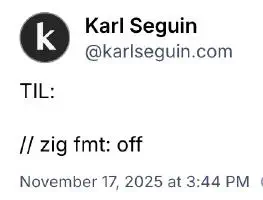
So apparently, you can add comments of // zig fmt: off and // zig fmt: on to your code to selectively leave the formatting of your code alone.